

Automatic Pet Feeder Without Wi-Fi: What Still Works
A feeder that stops working the moment your router does is not a convenience — it is a single point of failure on the one job you actually delegated. Here is what an automatic pet feeder without Wi-Fi should still be able to do, and how to test yours in ten minutes.
Most people buy an automatic feeder for the same reason: they want a meal to happen at 6:30 in the morning whether or not they are home, awake, or online. That expectation is simple. The engineering behind it is not, because a large share of the devices sold as "smart" feeders hand the schedule to a server rather than keeping it on the machine.
When the internet drops, the question is not whether the app still loads. The question is whether the bowl still fills. Those are two different products wearing the same plastic shell.
Why the internet is the weakest link in a feeding schedule
A feeding schedule is a promise about time. It is one of the few smart-home jobs where failure has a body attached to it — a cat who skips a meal, a dog on a strict insulin timeline, a household that comes home to a hungry animal and a notification that never arrived.
Cloud-dependent designs introduce three separate points of failure that have nothing to do with the feeder itself:
- Your home network. Router restarts, ISP outages, a mesh node that lost power, a new phone that changed the 2.4 GHz band.
- The vendor's servers. Outages, region shutdowns, or a company that simply stops running the service.
- The account layer. Logged out, expired password, a subscription that lapsed and quietly downgraded the device.
Any one of those is enough to miss a meal if the schedule lives in the cloud. None of them should be enough if the schedule lives on the device.
What a feeder actually uses the internet for
It helps to separate functions that genuinely need connectivity from functions that vendors simply routed through it because it was easier. The table below is the practical split.
| Function | Needs internet? | What a good device does offline |
|---|---|---|
| Release a scheduled portion at a set time | No | Runs from a schedule stored on the device, with its own clock |
| Keep the clock accurate after a power cut | Nice to have | Retains time via backup power; re-syncs when the network returns |
| Change portion size or timing | Convenience | On-device buttons should still allow basic adjustment |
| Push notification "meal served" | Yes | Delivered late or not at all; the meal itself still happens |
| Live video / two-way audio | Yes | Unavailable — acceptable, it is not the core job |
| Firmware updates | Yes | Deferred; device keeps running its current version |
The only row that matters for pet welfare is the first one. Everything below it is a convenience you can live without for an afternoon. If a feeder cannot do row one without a network, it is not an automatic feeder — it is a remote control with a hopper attached.
The rule we build to
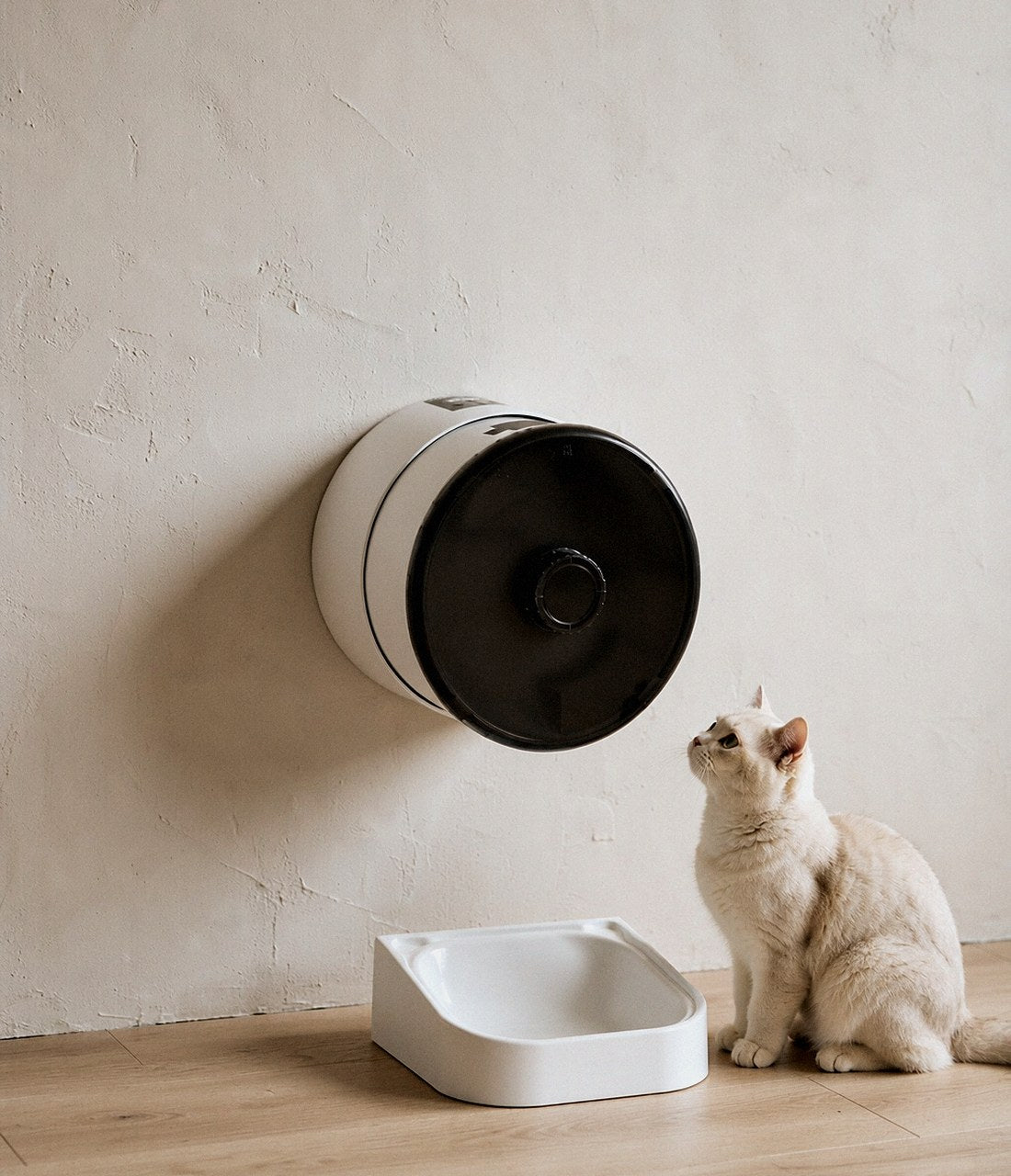
Core functions must work with no account, no subscription and no internet. A Zaverni Mingle Feeder keeps its schedule in local memory, runs it from its own clock, and reports to the app when a connection is available — not the other way around.
Three layers of offline resilience
1. A schedule stored on the device
This is the baseline. The feeder should hold its full weekly programme in non-volatile memory, so a reboot, a power cut, or a month without a router changes nothing. The practical test is unglamorous: unplug the router, wait, and see whether the next meal lands. If the vendor's documentation avoids the question, treat that as an answer.
Local storage also protects you from the slow failure mode — the company that pivots, raises prices, or shuts down a region. Hardware you own should not stop feeding your cat because somebody else's business model changed.
2. Battery backup, and why the wording matters
"Battery backup" and "battery powered" are not the same claim, and the spec sheets blur them constantly.
- Battery backup means the mains adapter is the primary source and cells keep the logic board and motor alive during an outage. Look for how many meals it is rated to deliver, not just how many hours it idles.
- Battery powered means the whole device runs on cells, which is genuinely flexible in placement but adds a maintenance task: you are now in charge of remembering charge levels.
The useful question is how many cycles the backup is rated for, because that is the unit of failure you care about. A backup that keeps the clock alive for 72 hours but cannot turn the auger once is decoration. Ask what it powers: clock only, or motor too.
3. Portioning that does not depend on a sensor handshake
Many feeders meter portions with a load cell or an infrared sensor that reports to the app. That is fine for logging, dangerous as a dependency. If the release mechanism waits for a cloud confirmation before it turns, latency becomes hunger. Mechanical portioning — a measured chamber or a counted rotation — should complete on its own and report afterwards.
Power cut versus Wi-Fi drop: two failures, two fixes
People conflate these, then buy the wrong thing. A Wi-Fi drop leaves the feeder powered; the only question is where the schedule lives. A power cut removes energy; the question is whether stored energy can complete a cycle.
- Short Wi-Fi outage (minutes to hours): irrelevant for a device with local scheduling. Annoying only for notifications.
- Long Wi-Fi outage (days): still irrelevant, provided the device does not require periodic re-authentication to keep running.
- Short power cut: backup cells should cover the clock and at least one or two dispense cycles.
- Long power cut: plan for it. If you live somewhere with multi-day outages, no consumer feeder is the answer — a timed mechanical backup or a neighbour is.
A ten-minute audit you can run at home
You do not need to trust marketing copy. Run this once, tonight, and you will know exactly what you own.
- Set a test meal two minutes out through the app, then turn on airplane mode on your phone. Watch the bowl, not the app.
- Unplug the router and wait for the next scheduled meal. Time it against the wall clock.
- Unplug the feeder's adapter for thirty seconds, plug it back in, and check whether the schedule and the clock survived.
- Press the physical buttons and see how much you can do without a phone at all.
- Log out of the app entirely. Many devices quietly degrade here; a good one behaves identically.
- Check what the log says afterwards. A device that records meals locally will show you the offline events once it reconnects.
If all six pass, you own a feeder. If the first two fail, you own a networked appliance that happens to hold kibble.
What to check on the spec sheet before you buy
- "Schedule stored locally" or equivalent phrasing — if absent, assume cloud.
- Backup rating quoted in meals or cycles, not just hours of standby.
- Explicit offline behaviour in the manual, ideally in a troubleshooting section.
- On-device controls for at least one manual feed and basic timing.
- No account requirement for first setup — a device that refuses to dispense before you register is telling you something.
- Data stays useful offline: local logging that syncs later beats streaming-only history.
Where subscriptions belong
There is nothing wrong with paying for cloud video history or long-term trend reports. There is something wrong with paying to keep a bowl full. We keep the feeding core local and free forever, and we do not put your pet's data behind a monthly gate — the same principle we apply to camera recording, where local storage comes first and cloud is optional.
If your pet eats on a medical timeline
For diabetic pets, cats with chronic kidney disease, or dogs on timed medication, reliability stops being a preference. Two extra precautions are worth the effort: keep a plain mechanical backup feeder as a second line, and set your schedule with a margin — a meal at 06:30 rather than exactly at a medication threshold gives you slack when something does go wrong.
Also make the failure loud. A device that misses a meal silently is worse than one that beeps, flashes, or sends a delayed notification the moment connectivity returns. Whatever you buy, check that it has some form of jam or empty-hopper alert that does not itself require the internet to be meaningful.
Where this fits in a calmer smart home
The point of smart pet tech is not dashboards. It is that the ordinary things — meals, a clean box, knowing where the dog is, a glance at the camera — happen without you managing them. That only works if the devices are dependable at the edges, when nobody is watching and the network is down.
One app for feeding, tracking, cleaning and monitoring is genuinely nice. But "one quiet app" only stays quiet if the hardware underneath it can think for itself. That is the standard we hold ourselves to at Zaverni, and it is the standard worth holding any brand to before you let a machine feed an animal you love.
Frequently asked questions
Does an automatic pet feeder work without Wi-Fi?
It should, if the schedule is stored on the device rather than in the cloud. A properly designed automatic pet feeder without Wi-Fi continues to dispense every meal on time and logs the event locally, then syncs history when the network returns. If your feeder stops dispensing when the router does, the schedule is cloud-dependent.
What happens if the power goes out while I am away?
A feeder with genuine battery backup keeps its clock running and can complete a number of dispense cycles on stored energy — the rating to look for is meals or cycles, not standby hours. Devices without backup restart with a blank clock and will not dispense until you reset them.
Can I still change the feeding schedule when the internet is down?
Basic changes should be possible through buttons on the device. Remote changes from your phone require connectivity on both ends, which is normal — but you should never be unable to feed your pet because your phone is offline.
Do I need a subscription for the feeder to work?
You should not. Cloud video, long-term analytics or multi-camera history are reasonable paid extras, but portion control and scheduling are core functions. Avoid any feeder that gates the basic meal schedule behind a monthly plan.
Will the feeder keep the correct time after a power cut?
Good units retain time through backup power and re-sync to network time when they reconnect. Cheap ones reset to 00:00 and wait for you to notice. Test this before you rely on it: unplug for thirty seconds and check the clock.
How do I stop kibble jams when nobody is home?
Use the kibble size the manufacturer specifies, keep the hopper reasonably full rather than at the very bottom, and choose a feeder with a jam alert that sounds locally. Dry food that has gone stale or humid is the most common cause of a missed meal.
A feeder that keeps its promises offline
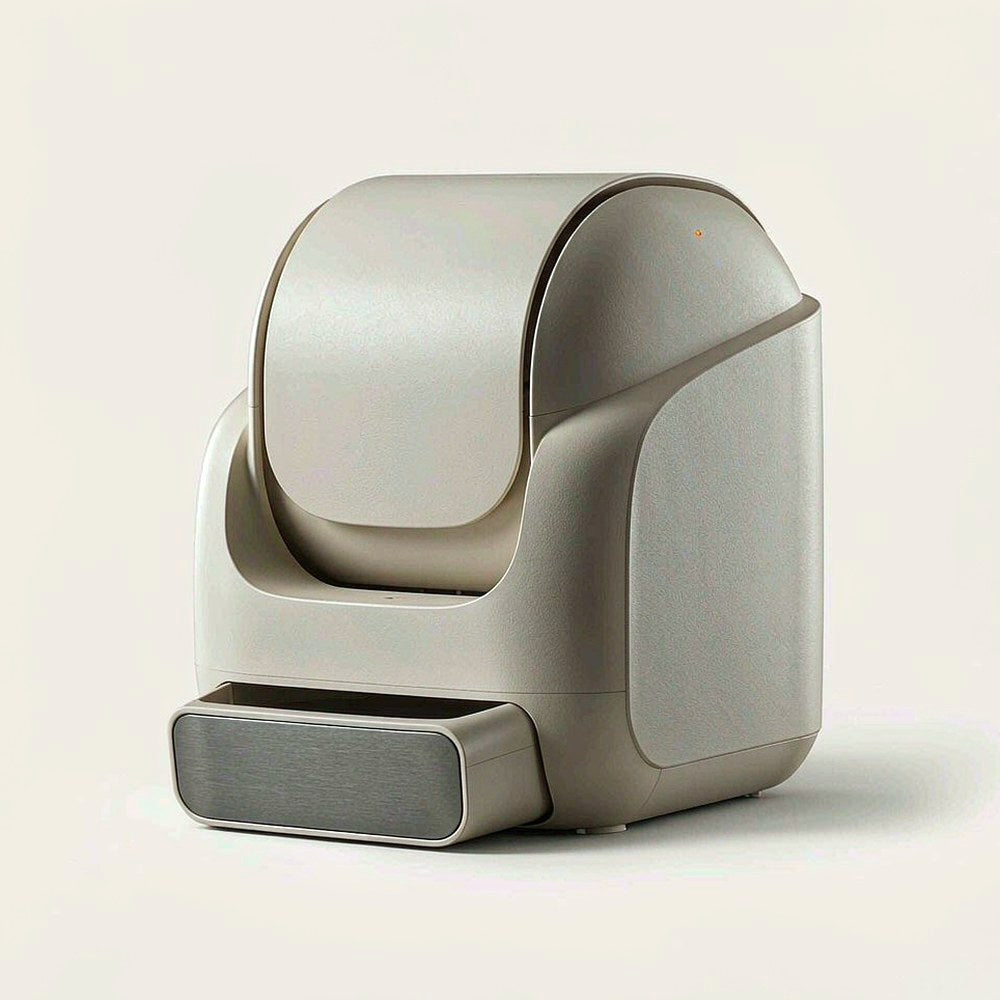
The Zaverni Mingle Feeder stores its schedule on the device, runs on backup power through outages, and reports to one quiet app when a connection is available — not the other way around.
See the Mingle Feeder →Zaverni Journal · Smart pet tech, designed for the home you share. This guide is editorial content and does not replace veterinary advice. For pets on medical feeding schedules, follow your vet's instructions and keep a mechanical backup.